
ioona organizes, remembers, and anticipates so you can decide clearly.
Information arrives from every direction. Context gets lost between channels, deadlines slip by, and decisions end up without a foundation. It is not a lack of information: it is a lack of intelligence about what already passes through you.
You don't have to keep track of everything. ioona keeps track with you.
Works in the web chat, on Telegram, and on WhatsApp. Calendar and email are optional and connected by you.
You don't lack information.
You have too much to keep track of.
Daily life became more complex than anyone can follow by hand. It is not a missing tool. It is missing intelligence about what already passes through you.
Too much information
Email, messages, meetings, documents, and notifications arrive through different channels and compete for your attention all day.
Fragmented context
Every subject lives in a different tool. Rebuilding the history means opening five places before you can decide.
Commitments in your hands
Calendar, deadlines, and follow-ups only work when you remember to check. When you forget, you find out late.
Decisions without a foundation
Without the context assembled, the decision comes from whatever is closest at hand, not from what actually matters.
Loose ends that slip away
An unanswered invitation, an expired deadline, an agreement nobody picked up again. None of it shows up on its own.
Starting over
After every interruption you re-read, re-check, and rebuild the reasoning. The cost repeats every day.
Knowledge that doesn't stay
What was learned and decided lives in one person's head and disappears at the next context switch.
Overload becomes the bottleneck
Whoever holds the context becomes the gateway for everything. And there is no time left to think.
What is ioona?
ioona is a proactive personal and professional intelligence platform. It follows the context of your day, organizes what arrives through different channels, and builds a continuous memory of what was seen, agreed, and decided.
Over that memory, it identifies what deserves attention and brings it up when it is useful: a calendar conflict, a deadline about to expire, a piece of information that changes the decision you were about to make. It tells you. The decision stays yours.
Underneath, a digital second brain spanning short, medium, and long-term memory holds it together: persistent memory of your context, specialists per domain sharing that same memory instead of working in silos, and the channels where you already talk (chat, Telegram, and WhatsApp). The heads-up comes from that shared memory — not from an agent deciding on its own.
What this looks like
in your day
One example of the kind of situation ioona was built to notice.
You are scheduling a meeting
Thursday, 3 pm. An invitation arrives for tomorrow afternoon, from someone you don't know yet.
ioona connects what it already knows
It sees you already have a commitment at the same time and recognizes the other participant's name from something you mentioned weeks ago.
You are told before you have to find out
In the channel where you already talk to ioona: two commitments at 3 pm, and who the person on the other one is. You decide what to do about it.
Illustrative example of use. ioona notifies and recommends. It does not change your calendar without confirmation.
What actually
changes
ioona doesn't deliver more information. It delivers the conditions to handle what already arrives.
Clarity
Knowing what is going on and what deserves attention today.
Continuity
Not losing the thread of conversations, decisions, and open matters.
Memory
Recovering what was seen, heard, received, or decided.
Organization
Reducing the effort of tracking information and responsibilities.
Anticipation
Identifying what may become a problem before it does.
Decisions
Having the context at hand when the time comes to decide.
What ioona
solves for you
The product is horizontal because the problem is: the same capabilities cover the routine of an executive, a doctor, and a teacher.
Know what deserves attention today
A summary of the day with commitments, open items, and what changed, instead of five apps open.
Recover what was seen or decided
Ask in plain language and get the answer with the history that supports it.
Understand how things connect
Related documents, conversations, and events, organized as context rather than as files.
Not lose commitments or follow-ups
Deadlines, invitations, and agreements tracked to the end without relying on your memory.
Know before you need to look
Notifications when something relevant arrives, changes, or is about to expire.
You don't need
another tool
You need something following the context of your work alongside you.

You keep track of everything
Search, connect, remember, check, prioritize. All that cognitive load falls on you, every day.
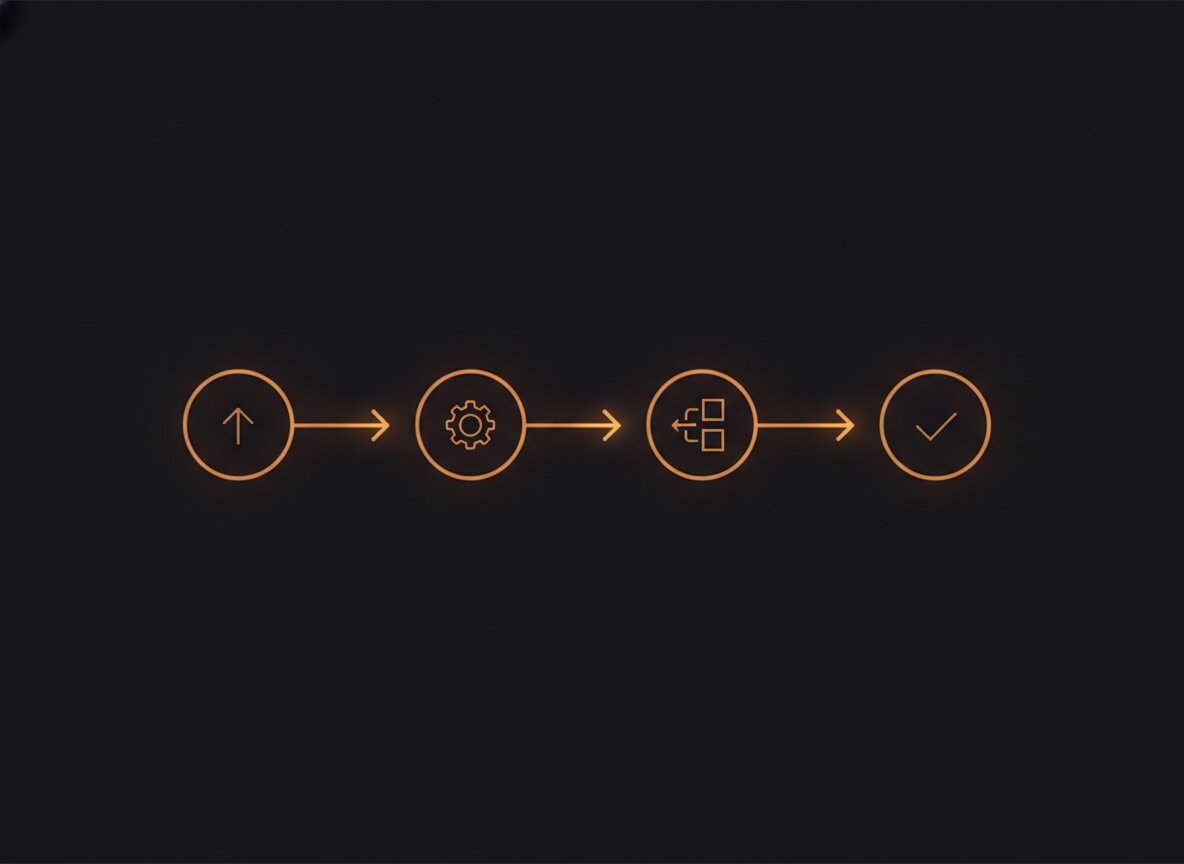
The intelligence keeps track with you
ioona watches what you authorized, connects what it already knows, and brings up what matters before you have to look.
"It isn't about having more information. It's about having the intelligence to handle the information that already reaches you."
Three steps to let
the context follow you
You share your context
From the first conversation, ioona understands where you work, what you track, and what you usually decide. It confirms with you before treating something as permanent.
You connect whatever you want
Calendar and email are optional and enabled by you through Google's login. With nothing connected, ioona still works as memory and assistant.
It starts following along
With sources connected, ioona cross-references information, flags conflicts and deadlines, and learns which notifications are worth your attention.
How ioona
works inside
Six layers: information comes in, becomes context, stays in memory, gets cross-referenced, comes back to you when it is useful, and all of it under privacy control.
Context intake
Email, calendar, documents, conversations, and what you tell it directly. Only what you connected.
Contextualization
People, projects, dates, and subjects identified and related to each other.
Continuous memory
Episodic, semantic, preferences, goals, and decisions. It is what lets you pick up where you left off.
Proactive intelligence
Compares what arrives with what is already known to find conflicts, deadlines, and changes that matter.
Assistance and action
Briefings, notifications, and answers in the channel where you already talk to ioona. Actions only with your confirmation.
Privacy and control
Per-account isolation, per-service permissions, and revocation at any time.
The capabilities
behind it
Technology that supports the promise instead of replacing it.
Second brain
Short, medium, and long-term memory that preserves the context of your work and returns it when you need it.
Proactive notifications
With your permission, ioona follows calendar and email and speaks up when it finds something worth attention: a conflict, a deadline, an unanswered invitation.
Context between specialists
A coordinator calls specialists per domain, such as communication, data, analysis, and organization. They share the same memory instead of working in silos.
Navigable memory
A timeline of interactions, decisions, and learnings, available whenever you want to look.
Continuous learning
Every interaction adjusts what ioona prioritizes, including which kinds of notifications you want.
Where you already talk
Chat, Telegram, and WhatsApp on the same memory. You pick the channel; the context is the same across all of them.
Trust shouldn't be
in the fine print
A system that follows your calendar and your email has to be explicit about what it does with them. These are product decisions, not marketing promises.
Your email is read, not stored
When you connect Gmail, ioona reads unread messages to identify deadlines and invitations and keeps only the summarized fact. The message body, the full sender, and attachments are not stored.
Nothing is accessed until you connect it
Calendar and email are only read after you authorize the account through Google's own login. ioona does not use access you did not grant.
It tells you, you decide
ioona does not move your calendar, reply to email, or decide for you. It brings the context and the recommendation. The action stays yours.
It asks less over time
The system learns which kinds of notifications you confirm as useful and stops asking for feedback on them. Over time it interrupts you less, not more.
Access is released automatically a few minutes after the request. That way we can follow each user closely in the first weeks.
Examples
by role
ioona is horizontal: the same intelligence applied to different routines. Pick the closest one to see the full example.
Executives
Decisions with the context assembled
business_centerSMBs
Operations tracked up close
schoolTeachers
Classes, deadlines, and history per student
local_hospitalDoctors
Organized routine, attention on care
gavelLawyers
Cases and deadlines under watch
trending_upSalespeople
Follow-ups that don't get lost
rocket_launchFreelancers
Many projects, one context
Rather start from the task? See the use cases.
For the tasks
of your day
Each use case solves a specific problem in your work routine.
Project Management
Deadlines, deliverables, and dependencies under control
terminalTechnical Questions
Technical answers with the real project context
trending_upMarket Analysis
Trends and insights tailored to your business
dashboardManagement
A consolidated view of the operation without hunting for information
insightsDecision Making
The right context available before you decide
Frequently asked questions
What is ioona?
A personal and professional intelligence platform that follows the context of your day: it organizes what arrives, preserves the memory of what was decided, and tells you what deserves attention. You talk to it through the web chat, Telegram, or WhatsApp.
How is it different from assistants like ChatGPT?
An assistant you consult from scratch doesn't know what you decided yesterday, who you spoke with last week, or what is on your calendar tomorrow. ioona keeps continuous memory and, with your permission, follows calendar and email to speak up before you ask. The difference is accumulated context, not a better one-off answer.
What data do you access?
Only what you connect. Today that means Google Calendar and Gmail, authorized by you on Google's own screen, plus any integrations you enable. Nothing is accessed before that.
Is the content of my emails stored?
No. ioona reads unread emails to identify deadlines and invitations and keeps only the summarized fact, for example "a deadline expires in two days". The message body, the full sender, and attachments are not stored.
Does ioona act without me?
No. It notifies and recommends. It does not move your calendar, reply to email, or make decisions on your behalf. Every action happens with your confirmation.
How often does it check calendar and email?
Calendar is checked every 10 to 15 minutes and email once or twice a day, always within your usage limit. It is not instant monitoring, and we would rather say so than promise real time.
Do I need to connect anything to use it?
No. With nothing connected, ioona works as memory and assistant for your context. Proactive notifications start when you connect calendar or email, and the invitation appears in the middle of a conversation, not as a mandatory signup step.
Will it flood me with notifications?
That is the risk of any proactive system, and it is treated as a product requirement. ioona asks whether a new kind of notification helped, learns which ones you confirm as useful, and stops asking about them. The same matter is never flagged twice.

ioona. The context stays, the memory remains, what matters shows up at the right time.
Ready to stop
tracking everything alone?
Usage-based billing, no lock-in contract. 14-day trial, no credit card.
🔓 No credit card to start: 14-day trial, no commitment
Starter
R$ 75/mo
- 2 million tokens per week (800k cap per 5h window)
- Second brain: short, medium, and long-term memory
- Proactive calendar and email alerts
- Google Calendar and Gmail, connected by you
Pro
R$ 112/mo
- 3 million tokens per week (1.8M cap per 5h window)
- Second brain: short, medium, and long-term memory
- Proactive calendar and email alerts
- Up to 45 emails read per day, compared with 20 on Starter
- For those who use ioona as their main tool of the day
Starter Medical
R$ 90/mo
- 2.6 million tokens per week (1M cap per 5h window)
- Clinical agent specialized in supporting medical practice
- Pharmacist and researcher always active; nutritionist, physiotherapist, psychologist, and nursing on demand
- Second brain: short, medium, and long-term memory
Pro Medical
R$ 134/mo
- 4 million tokens per week (1.8M cap per 5h window)
- Clinical agent specialized in supporting medical practice
- Pharmacist and researcher always active; nutritionist, physiotherapist, psychologist, and nursing on demand
- Second brain: short, medium, and long-term memory
- Up to 45 emails read per day
* Every plan includes a 14-day trial. At the end, only users who add a card are charged. Without a card, access is paused, and you can cancel anytime.
* Why the medical plan costs more: the clinical agent uses an AI model specialized in medical practice support, and the health subagents are enabled on demand. The extra cost is specialization, not usage.